2024年最新C++ 邮件推送 (smtp+libcurl+openssl(1),2024年最新腾讯&字节&网易&华为物联网嵌入式开发面试题分享
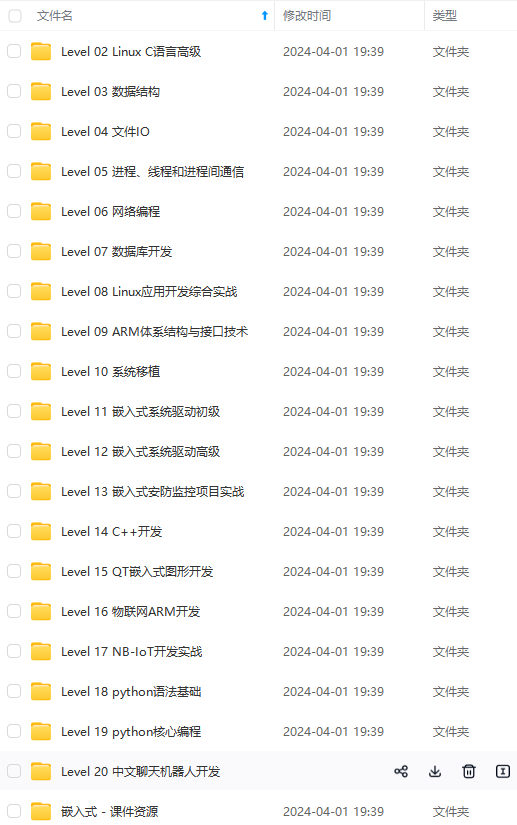
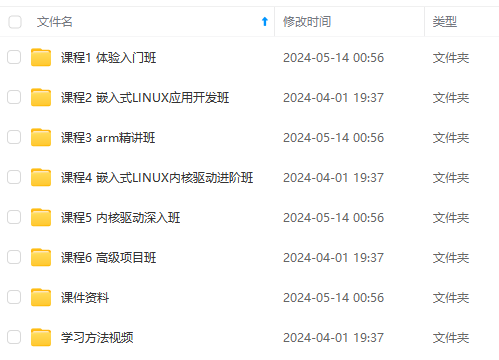
既有适合小白学习的零基础资料,也有适合3年以上经验的小伙伴深入学习提升的进阶课程,涵盖了95%以上物联网嵌入式知识点,真正体系化!
由于文件比较多,这里只是将部分目录截图出来,全套包含大厂面经、学习笔记、源码讲义、实战项目、大纲路线、电子书籍、讲解视频,并且后续会持续更新
https://www.activestate.com/products/perl/downloads/
安装包下载完成后,直接默认安装,perl会默认加入系统环境变量,不用担心设置问题
- 安装nasm
https://www.nasm.us/pub/nasm/releasebuilds/2.15.02/win64/
下载的nasm是一个zip包,
解压出文件夹,放入自己习惯的路径,然后添加进系统变量:


完成后,Win+R->cmd 调出console,验证nasm,是否正常:

开始编译
- 从开始菜单中找到

以管理员权限打开运行,切换到openssl 源码目录
如果编译32位库使用:
perl Configure VC-WIN32 --prefix="E:\Code\MY OPEN SRC\SMTP\resource\openssl_build" --openssldir="E:\Code\MY OPEN SRC\SMTP\resource\openssl_build"
如果编译64位库使用:
perl Configure VC-WIN64A --prefix="E:\Code\MY OPEN SRC\SMTP\resource\openssl_build" --openssldir="E:\Code\MY OPEN SRC\SMTP\resource\openssl_build"
注意
1.–prefix --openssldir 可以改为自己的目录,或者不加这两个参数,按默yogn认生成,如果加了自定义路径,路径中最好不要有空格!如果有空格,路径加引号。
2.如果运行出现Can’t locate Win32/Console.pm in @INC 错误,

解决方法:
找到如上红框内目录,找到Config.pm,右键->属性,去掉该文件的只读属性

然后,进行编辑,找到400行所在的函数_warn,注释这个函数的实现

保存,退出。
执行后,在openssl目录将生成makefile文件

在openssl 源码目录中将有makefile文件,让,后执行nmake,进行编译
等待编译完成后,可以执行
nmake test
nmake install
完成后,在上面指定的目录中将生成库相关文件

至此,openssl编译完成
perl等若无后用,可以安心卸载
LibcurL编译
环境准备
https://github.com/curl/curl 下载源码
Libcurl的curl\projects\Windows目录中有各个版本的vs的项目文件,我们直接从cmake生成。
安装cmake
开始编译
打开cmake-gui,选择好路径,点击configure,选需要生成的版本

在配置中选择CMAKE_USER_OPENSSL,然后重新点击Configure

出现配置错误

用刚生成的openssl库配置
对于openssl(在1.0.x之前的版本中,文件为libeay32.dll和ssleay32.dll,在1.1.x之后的版本中,名字是libssl.dll和libcrypto.dll).

然后重新configure,完成后点击Generate,然后Open Project

这个libcurl就是我们要的,并且链接了刚生成的openssl库。分别编译Debug与Release版本,完成后生成lib与dll文件。

如何验证生成lib是带openssl的?生成解决方按中的curl项目,这个curl会生成curl.exe,这个curl.exe是链接我们生成的libcurl库的
生成有curl后,在cmd中做如下验证,如果提示libcurl-d.dll缺失,从刚生成的库中拷贝到curl.exe所在目录

上面的feature包含SSL,说明libcurl库开启openssl
至此,libcurl编译完成。
Libcurl+openssl+smtp 进行邮件发送
smtp的封装试下如下,代码用了好久了,里面的实现是 别人的封装+libcurl官方example+自己的修改,感谢源封装者,源链接等找到补上。
#pragma once

#include <string>
#include <vector>

#define SKIP_PEER_VERIFICATION
#define SKIP_HOSTNAME_VERIFICATION


class CSmtpSendMail {
public:
	CSmtpSendMail(const std::string & charset = "UTF-8"); // 也可以传入utf

	//设置stmp用户名、密码、服务器、端口(端口其实不用指定,libcurl默认25,但如果是smtps则默认是465)
	void SetSmtpServer(const std::string &username, const std::string& password, const std::string& servername, const std::string &port = "25");
	//发送者姓名,可以不用

	void SetSendName(const std::string& sendname);

	//发送者邮箱
	void SetSendMail(const std::string& sendmail);

	//添加收件人
	void AddRecvMail(const std::string& recvmail);

	//设置主题
	void SetSubject(const std::string &subject);

	//设置正文内容
	void SetBodyContent(const std::string &content);

	//添加附件
	void AddAttachment(const std::string &filename);

	//发送邮件
	bool SendMail();
private:

	//回调函数,将MIME协议的拼接的字符串由libcurl发出
	static size_t payload_source(void *ptr, size_t size, size_t nmemb, void *stream);

	//创建邮件MIME内容
	void CreatMessage();

	//获取文件类型
	int GetFileType(std::string const& stype);

	//设置文件名
	void SetFileName(const std::string& FileName);

	//设置文件的contenttype
	void SetContentType(std::string const& stype);

	//得到文件名
	void GetFileName(const std::string& file, std::string& filename);

	//得到文件类型
	void GetFileType(const std::string& file, std::string& stype);

private:
	std::string m_strCharset; //邮件编码
	std::string m_strSubject; //邮件主题
	std::string m_strContent; //邮件内容
	std::string m_strFileName; //文件名
	std::string m_strMessage;// 整个MIME协议字符串
	std::string m_strUserName;//用户名
	std::string m_strPassword;//密码
	std::string m_strServerName;//smtp服务器
	std::string m_strPort;//端口
	std::string m_strSendName;//发送者姓名
	std::string m_strSendMail;//发送者邮箱
	std::string m_strContentType;//附件contenttype
	std::string m_strFileContent;//附件内容

	std::vector<std::string> m_vRecvMail; //收件人容器
	std::vector<std::string> m_vAttachMent;//附件容器
};
#include "smtpsendmail.h"
#include "../3rd/base64/base64.h"
#include "../3rd/libcurl/include/curl/curl.h"
#include <iostream>
#include <sstream>
#include <fstream>
CSmtpSendMail::CSmtpSendMail(const std::string & charset)
{
m_strCharset = charset;
m_vRecvMail.clear();
}
void CSmtpSendMail::SetSmtpServer(const std::string & username, const std::string &password, const std::string & servername, const std::string & port)
{
m_strUserName = username;
m_strPassword = password;
m_strServerName = servername;
m_strPort = port;
}
void CSmtpSendMail::SetSendName(const std::string & sendname)
{
std::string strTemp = "";
strTemp += "=?";
strTemp += m_strCharset;
strTemp += "?B?";
strTemp += base64_encode((unsigned char *)sendname.c_str(), sendname.size());
strTemp += "?=";
m_strSendName = strTemp;
//m_strSendName = sendname;
}
void CSmtpSendMail::SetSendMail(const std::string & sendmail)
{
m_strSendMail = sendmail;
}
void CSmtpSendMail::AddRecvMail(const std::string & recvmail)
{
m_vRecvMail.push_back(recvmail);
}
void CSmtpSendMail::SetSubject(const std::string & subject)
{
std::string strTemp = "";
strTemp = "Subject: ";
strTemp += "=?";
strTemp += m_strCharset;
strTemp += "?B?";
strTemp += base64_encode((unsigned char *)subject.c_str(), subject.size());
strTemp += "?=";
m_strSubject = strTemp;
}
void CSmtpSendMail::SetBodyContent(const std::string & content)
{
m_strContent = content;
}
void CSmtpSendMail::AddAttachment(const std::string & filename)
{
m_vAttachMent.push_back(filename);
}
bool CSmtpSendMail::SendMail()
{
CreatMessage();
bool ret = true;
CURL *curl;
CURLcode res = CURLE_OK;
struct curl_slist *recipients = NULL;
curl = curl_easy_init();
if (curl)
{
/* Set username and password */
curl_easy_setopt(curl, CURLOPT_USERNAME, m_strUserName.c_str());
curl_easy_setopt(curl, CURLOPT_PASSWORD, m_strPassword.c_str());
std::string tmp = "smtps://";
tmp += m_strServerName;
tmp += ":";
tmp += m_strPort;
// 注意不能直接传入tmp,应该带上.c_str(),否则会导致下面的
// curl_easy_perform调用返回CURLE_COULDNT_RESOLVE_HOST错误
// 码
curl_easy_setopt(curl, CURLOPT_URL, tmp.c_str());
/* If you want to connect to a site who isn't using a certificate that is
* signed by one of the certs in the CA bundle you have, you can skip the
* verification of the server's certificate. This makes the connection
* A LOT LESS SECURE.
*
* If you have a CA cert for the server stored someplace else than in the
* default bundle, then the CURLOPT_CAPATH option might come handy for
* you. */
#ifdef SKIP_PEER_VERIFICATION
curl_easy_setopt(curl, CURLOPT_SSL_VERIFYPEER, 0L);
#endif
/* If the site you're connecting to uses a different host name that what
* they have mentioned in their server certificate's commonName (or
* subjectAltName) fields, libcurl will refuse to connect. You can skip
* this check, but this will make the connection less secure. */
#ifdef SKIP_HOSTNAME_VERIFICATION
curl_easy_setopt(curl, CURLOPT_SSL_VERIFYHOST, 0L);
#endif
/* Note that this option isn't strictly required, omitting it will result
* in libcurl sending the MAIL FROM command with empty sender data. All
* autoresponses should have an empty reverse-path, and should be directed
* to the address in the reverse-path which triggered them. Otherwise,
* they could cause an endless loop. See RFC 5321 Section 4.5.5 for more
* details.
*/
curl_easy_setopt(curl, CURLOPT_MAIL_FROM, m_strSendMail.c_str());
/* Add two recipients, in this particular case they correspond to the
* To: and Cc: addressees in the header, but they could be any kind of
* recipient. */
for (size_t i = 0; i < m_vRecvMail.size(); i++)
{
recipients = curl_slist_append(recipients, m_vRecvMail[i].c_str());
}
curl_easy_setopt(curl, CURLOPT_MAIL_RCPT, recipients);
std::stringstream stream;
stream.str(m_strMessage.c_str());
stream.flush();
/* We're using a callback function to specify the payload (the headers and
* body of the message). You could just use the CURLOPT_READDATA option to
* specify a FILE pointer to read from. */
curl_easy_setopt(curl, CURLOPT_READFUNCTION, &CSmtpSendMail::payload_source);
curl_easy_setopt(curl, CURLOPT_READDATA, (void *)&stream);
curl_easy_setopt(curl, CURLOPT_UPLOAD, 1L);
/* Since the traffic will be encrypted, it is very useful to turn on debug
* information within libcurl to see what is happening during the
* transfer */
int nTimes = 0;
/* Send the message */
res = curl_easy_perform(curl);
CURLINFO info = CURLINFO_NONE;
curl_easy_getinfo(curl, info);
/* Check for errors */
while (res != CURLE_OK)
{
nTimes++;
if (nTimes > 5)
{
break;
}
fprintf(stderr, "curl_easy_perform() failed: %s\n\n", curl_easy_strerror(res));
**收集整理了一份《2024年最新物联网嵌入式全套学习资料》,初衷也很简单,就是希望能够帮助到想自学提升的朋友。**
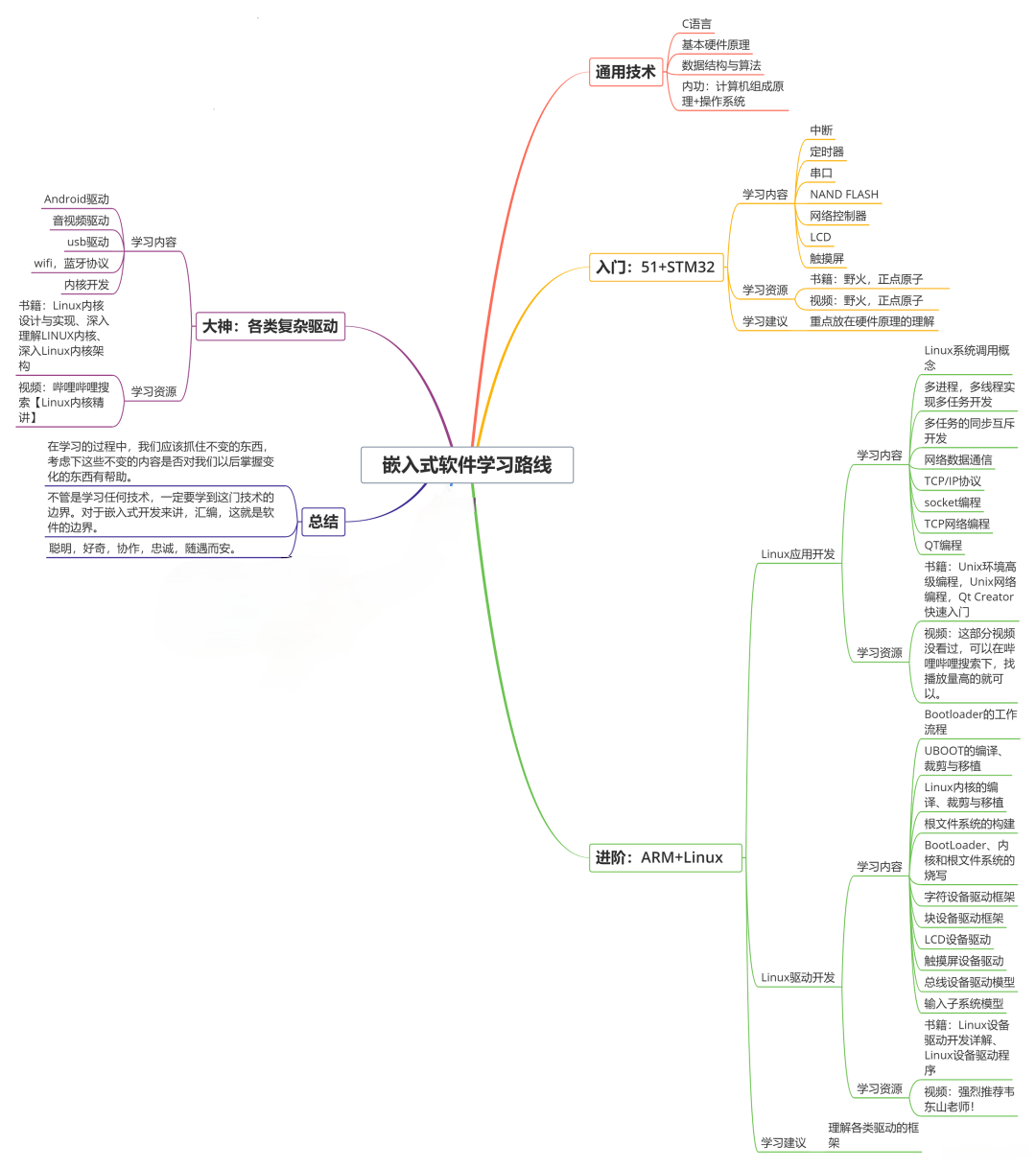
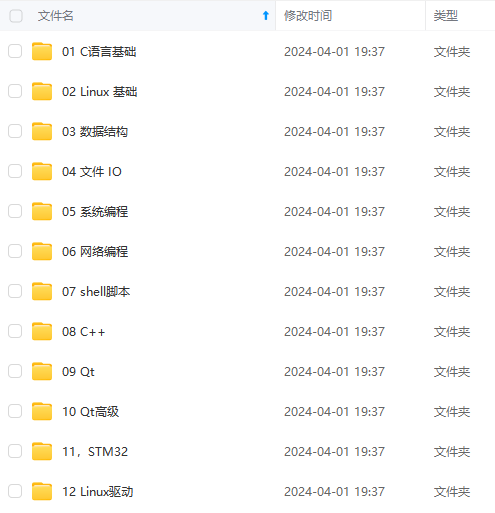
**[如果你需要这些资料,可以戳这里获取](https://bbs.csdn.net/topics/618679757)**
**一个人可以走的很快,但一群人才能走的更远!不论你是正从事IT行业的老鸟或是对IT行业感兴趣的新人**
**都欢迎加入我们的的圈子(技术交流、学习资源、职场吐槽、大厂内推、面试辅导),让我们一起学习成长!**
)
{
break;
}
fprintf(stderr, "curl_easy_perform() failed: %s\n\n", curl_easy_strerror(res));
**收集整理了一份《2024年最新物联网嵌入式全套学习资料》,初衷也很简单,就是希望能够帮助到想自学提升的朋友。**
[外链图片转存中...(img-Gf01VoB4-1715639008838)]
[外链图片转存中...(img-b4GErSwG-1715639008839)]
**[如果你需要这些资料,可以戳这里获取](https://bbs.csdn.net/topics/618679757)**
**一个人可以走的很快,但一群人才能走的更远!不论你是正从事IT行业的老鸟或是对IT行业感兴趣的新人**
**都欢迎加入我们的的圈子(技术交流、学习资源、职场吐槽、大厂内推、面试辅导),让我们一起学习成长!**

宁波官方开源宣传和活动阵地,欢迎各位和我们共建开源生态体系!
更多推荐



 7
7 0
0- 0


 已为社区贡献1条内容

所有评论(0)